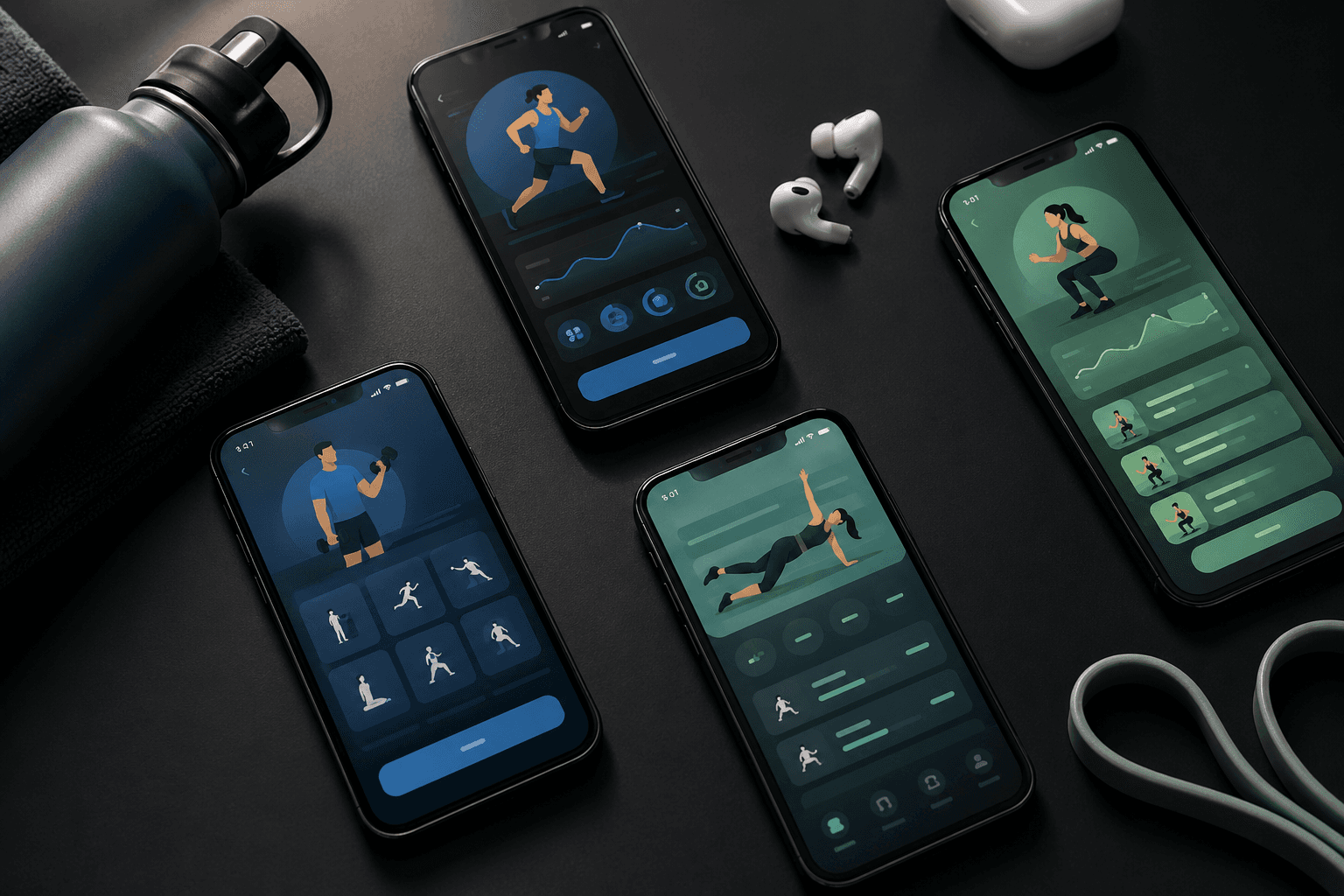
Most people who train and track food end up with the same workaround: a workout app (Hevy, Strong, Fitbod) plus MyFitnessPal for food. Two icons, two logins, two paywalls, two onboarding flows, and zero communication between today's training intensity and tonight's calorie target.
You don't have to do that. One free app can handle both — and the setup is faster than installing the two-app stack. Here's the 5-minute walkthrough, plus an honest comparison of which approach is right for you.
The 5-Minute Setup (One Free App)
Using Ellim, the only app that ships workouts, nutrition, and now water tracking on the free tier:
Minute 1 — Install + sign in. Download Ellim from the App Store, sign in with Apple, accept HealthKit permissions.
Minute 2 — Pick a routine. Tap Train → choose a starter routine (or paste an existing one and let AI import parse it).
Minute 3 — Set macro targets. Tap Eat → enter weight + goal (cut / maintain / bulk). Ellim sets daily macros automatically. Adjust if you already know yours.
Minute 4 — Log first workout. Open today's workout, log a few sets. Live Activities show the rest timer on the Lock Screen.
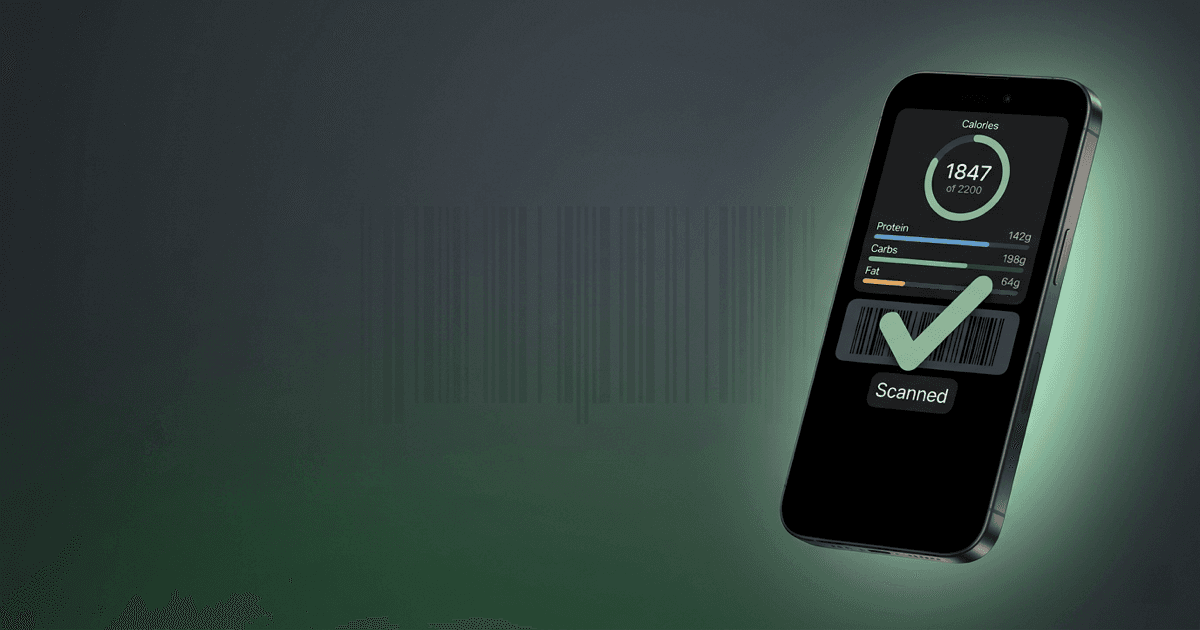
Minute 5 — Log first meal. Tap Eat → barcode scan tonight's dinner. Macros land in your daily log.
Done. Workouts written to HealthKit; food data in the same app. No second app to install or pay for.
Try the 5-minute setup: Download Ellim free on the App Store →
One App vs Two-App Stack — Quick Comparison
Here's what changes when you collapse the stack:
Option | Workouts | Nutrition | Apps to Install | Cost on Free |
|---|---|---|---|---|
Ellim (one app) | Full tracker, 3,500+ exercises | Barcode + macros | 1 | Free |
Hevy + MyFitnessPal | Hevy (4-routine cap) | MFP (huge food DB) | 2 | Free |
Fitbod + MyFitnessPal | Fitbod (3-workout trial) | MFP | 2 | Fitbod paid |
Strong + MyFitnessPal | Strong (3 routines) | MFP | 2 | Free |
Cronometer | Limited workout logger | Best food DB accuracy | 1 | Free (workouts weak) |
Lifesum | Light workout journal | Strong food side | 1 | Limited free |
How We Evaluated "One App for Both"
Six criteria for evaluating whether a single app actually delivers both sides:
One-app integration — Workouts and food in the same tabs, same data, same notifications — no app-switching.
Setup time — From install to first workout + first meal logged in under 5 minutes.
Food logging speed — Barcode scan, recent foods, custom foods.
Workout depth — Real exercise library, custom routines, history graphs — not a journal.
Free tier honesty — Both halves usable on free, not paywalled after day 7.
Apple / Google ecosystem fit — HealthKit / Google Fit sync, Watch support.
Apps that ship one side fully and the other as a side feature (Lifesum's workouts, Cronometer's strength logger) didn't pass.
Why the Two-App Stack Quietly Drains You
On paper, two apps each best-in-class for their job sounds optimal. In practice, four things compound:
Notification fragmentation. Two apps pinging you twice a day, never in sync.
Two paywalls. MFP Premium ($20/mo) + Hevy Pro ($5.99/mo) is $25/mo. Or Fitbod ($13) + MFP ($20) = $33.
No shared data. Your training intensity doesn't adjust your daily calorie target.
Two onboardings. Each app wants you to set goals, preferences, weight, equipment, food preferences — separately.
Most lifters quit one of the two apps within 90 days. The one they quit is usually the one with the second-best UX.
Head-to-Head: One App vs Two Stacks
Direct comparison of the three most common approaches:
Aspect | Ellim (one app) | Hevy + MFP | Fitbod + MFP |
|---|---|---|---|
Apps to manage | 1 | 2 | 2 |
Onboarding total time | ~5 min | ~10-15 min | ~10-15 min |
Exercise library | 3,500+ | ~400 (Hevy) | Large (Fitbod) |
Custom routines (free) | Unlimited | 4 (Hevy) | No |
Food database | Large | Huge (MFP) | Huge (MFP) |
Barcode scan (free) | Yes | Yes (MFP) | Yes (MFP) |
Workout intensity → macros | Connected | Two silos | Two silos |
Apple Watch | Planned | Yes (Hevy) | Yes (Fitbod) |
Monthly cost (worst case) | $0 free / $17.99 Premium | $0–$25 | $13–$33 |
When the Two-App Stack Is Worth It
A two-app stack can make sense if:
You already have years of MyFitnessPal history and don't want to migrate.
You log restaurant meals daily — MFP's restaurant DB is still the deepest.
You're on Android and you specifically want Hevy's community feed.
You're committed to Fitbod's AI-picks-workouts flow and accept the paid tier.
Otherwise the one-app approach saves you time, friction, and at minimum $5/mo.
Setup Walkthrough: Workouts First
Step 1: Pick a routine or import one
In Ellim, Train → Routines. Three paths:
Pick a ready-made routine — beginner upper/lower, push/pull/legs, full-body 3x.
Paste or photograph an existing one — AI routine import parses any program text or screenshot. See the full import walkthrough.
Build from scratch — pick exercises from the 3,500-exercise library, set sets/reps.
Step 2: Log a working set
Tap an exercise → enter weight + reps. Rest timer fires automatically; Live Activities keep the timer on your Lock Screen.
Step 3: Finish and review
End the session. Workout writes to Apple Health (duration + calories). History graph appears in your Today tab.
Setup Walkthrough: Nutrition Second
Step 1: Set macro targets
Eat → Targets. Enter weight, goal, activity. Ellim calculates macros. Override if your coach gave you specific numbers.
Step 2: Log a meal
Three fastest ways:
Barcode scan. Packaged food: scan the barcode, set portion, done.
Search the food database. Search "chicken breast" or "Chipotle bowl" — pick the entry, set portion.
Add a custom food. Recurring homemade meal: build it once, log it in seconds afterwards.
Step 3: Review daily and weekly
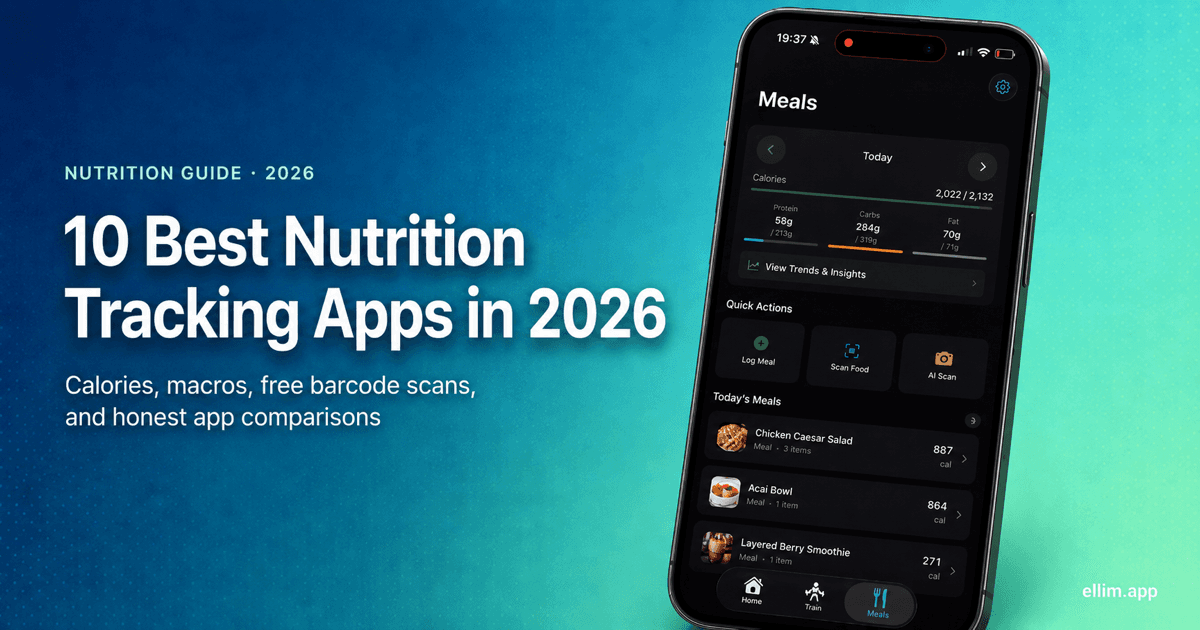
Eat → today's total vs target. Weekly view shows trend lines. The Today tab combines workout intensity and macro adherence so you can see them together — it's also where water tracking lives: one-tap cup logging against a daily goal based on your body weight.
What If I Already Have MyFitnessPal Data?
MFP exports CSV. Ellim doesn't yet have a direct MFP importer — but most users find the manual switch surprisingly painless: barcode scanning is fast, the custom-foods feature handles recurring meals, and a week of logging in Ellim catches up to your default MFP entries.
If you have hundreds of custom recipes locked in MFP, the switch is harder; that's a real reason to stay on the two-app stack.
Frequently Asked Questions
Can a single free app really track both workouts and nutrition?
Yes — Ellim is the only one we found in 2026 that ships both sides on the free tier with real depth. Lifesum and Cronometer try, but their workout sides are weak.
Is Ellim really free?
Yes. Core training, full exercise library, unlimited routines, AI routine import, nutrition tracking with barcode scanning, one-tap water logging with a daily goal — all free. Premium ($17.99/mo) adds Smart Session AI workout generation, AI meal photos, progressive overload insights, and weekly hydration trends. Core stays free.
How does Ellim's nutrition database compare to MyFitnessPal?
MFP's database is larger, especially for restaurant items. Ellim's database covers packaged foods, branded items, and common foods with verified macros — enough for ~95% of daily logging. If you log restaurants daily, MFP still wins; for home-cooked + branded grocery items, Ellim is enough.
Does workout intensity affect my calorie target in Ellim?
Yes — workout volume contributes to your daily energy spend so macros can adjust around hard training days. Manual targets still work if you prefer to set numbers yourself.
What about Apple Watch?
Ellim writes workouts to HealthKit, which the Watch reads automatically — close rings and exercise minutes work today. A native Ellim Watch app is in development.
Can I keep using MyFitnessPal alongside Ellim?
You can, but most users find that having both creates duplicate logging. Pick one for food. We recommend giving Ellim a week — if MFP's restaurant DB or recipe library is essential, switch back.
What if I only want workouts, not nutrition?
Ellim works fine as a pure workout tracker — ignore the Eat tab. See Best Free Workout Apps for alternatives.
What if I only want nutrition, not workouts?
Ellim works for that too — ignore the Train tab. Cronometer (most accurate food data) or MacroFactor (best macro coaching) are the alternatives if nutrition is your main need.
Is this setup possible on Android?
Ellim is iPhone-only today. Closest Android option: Hevy + MyFitnessPal (two-app stack, both free tiers).
How long until tracking both becomes a habit?
Most users hit auto-pilot at week 3-4. Days 1-7 are conscious effort; by week 4, logging meals and workouts is faster than the alternative.
Why is Ellim free if it does both workouts and nutrition? What's the catch?
No catch on the basics. Ellim's bet is that giving away tracking, the full 3,500-exercise library, unlimited routines, barcode meal scanning, macro and calorie planning, AI routine import, and HealthKit sync is the right way to earn iPhone users — and a small percentage upgrade to Premium ($17.99/mo) for Smart Session (AI workout generation), AI meal photos, and progressive overload insights. No ads, no credit card, no trial countdown.
The Bottom Line
You don't need two apps. The setup time for a one-app approach (Ellim, free) is shorter than installing the two-app stack — and you save $5-30/mo in subscriptions over the alternatives.
Install one today. Log one workout this week. Scan one barcode tomorrow. By the end of week one you'll know whether the one-app approach fits.
Drop your second app: Download Ellim free on the App Store →