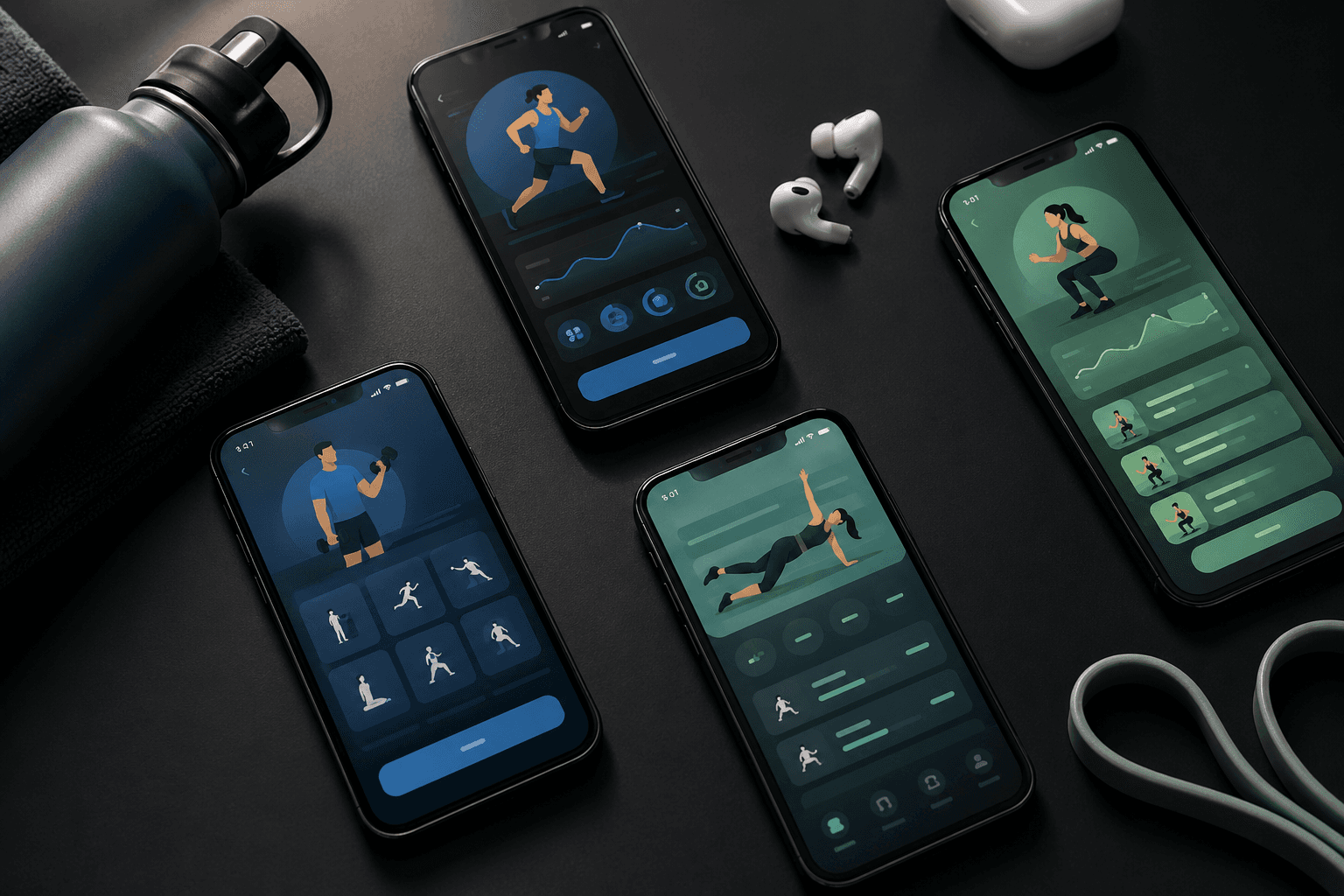
"Best fitness app for beginners" is a different question from "best fitness app." A beginner needs five things in one app: a ready-made routine, clear exercise instructions, simple tracking, nutrition help, and no paywall friction on day one. Most apps fail at least two of those.
We tested the most popular free fitness apps and ranked the 10 best for someone starting from zero. The bar is high: if the app makes a beginner feel stupid in the first 5 minutes, it loses — no matter how good its advanced features are.
Quick-Pick Comparison
What each app offers a complete beginner on day one:
App | Best For Beginners Because | Free Tier | iOS / Android |
|---|---|---|---|
Ellim | Ready routines + tracking + nutrition + AI import — one app, all free | Unlimited | iOS |
Nike Training Club | Coached video workouts, no equipment | Everything free | Both |
StrongLifts 5x5 | Tells you exactly what to lift, week 1 to month 3 | Full free program | Both |
Boostcamp | Free beginner programs (Greyskull, 5/3/1 Beginner) | Programs + tracking | Both |
Hevy | Polished tracker if you have a routine | 4 routines free | Both |
Strong | Cleanest minimalist iOS logger | 3 routines free | Both |
Caliber | Free strength programs + optional coaching | Free tier | Both |
JEFIT | Library and community routines | Ad-supported | Both |
Fitbod | AI picks daily workouts — trial only | 3-workout trial | Both |
Apple Fitness+ | Guided video workouts via Apple ecosystem | Trial | Apple |
How We Evaluated Beginner Fitness Apps
Six criteria, weighted around the beginner experience:
Onboarding friction — Can a complete beginner install, get a workout plan, and log day 1 without watching a tutorial?
Ready-made routines — Beginners need a plan handed to them. "Build your own" defeats the point on day one.
Exercise instructions — Demos, written cues, alternates — does the app teach you how to do the lift?
Tracking simplicity — Sets and reps logged in 5 seconds, not 30. Plate calculator, rest timer, history.
Nutrition help — Beginners benefit massively from seeing food intake; bonus if it's in the same app.
Free tier honesty — Beginners haven't earned the right to pay $20/mo yet. Free should mean free.
The 10 Best Free Fitness Apps for Beginners in 2026
1. Ellim — Best Free All-in-One Beginner App
Ellim is the best free fitness app for beginners in 2026 because it covers all five beginner needs in one place — and you don't have to think about which app to open. Pick a ready-made routine, log your first workout in seconds, scan a food barcode for dinner, and your week is structured. AI routine import means if a friend sends you a screenshot of their plan, you can train it tomorrow.
Pros
Ready-made routines for beginners + 3,500-exercise library to swap in
Demos and written cues for every exercise
Plate calculator, rest timer, history graphs — out of the box
Nutrition tracking with barcode scanning — same app, free
Water tracking — one-tap cup logging with a daily goal based on your body weight, free
AI routine import — paste or photograph any routine you find
iPhone-native: Live Activities + Dynamic Island during workouts
Cons
iPhone only — no Android
Apple Watch app in development
Smart Session AI generation is Premium ($17.99/mo) — but everything else is free
Free tier: Ready-made routines + tracking + nutrition + water + AI import.
Price: Premium $17.99/mo (optional).
Want to start today? Download Ellim free — your first workout in 2 minutes →
2. Nike Training Club — Best Free Beginner Video Workouts
NTC is unbeatable for someone who doesn't want a gym yet. Hundreds of free coached video workouts — bodyweight, dumbbell, mobility, yoga, HIIT — with multi-week guided plans. Not a tracker. Class-based.
Pros
Completely free, no upsell
Coached video makes form easy
Multi-week beginner plans (no equipment, dumbbell, gym)
Cons
No sets/reps logger
Less useful in a barbell gym
No nutrition tracking
Free tier: Entire library.
Price: None.
3. StrongLifts 5x5 — Best Free Beginner Barbell Program
StrongLifts 5x5 is barely an "app" — it's the StrongLifts beginner program with a built-in logger. Tells you exactly what to do three times a week for 3 months. Outgrows itself fast, but for true beginners it removes every decision.
Pros
Pick weight, start training — zero decisions
Auto-progression, rest timer, plate calc
Free 5x5 program
Cons
One program only
Will stall by 3-6 months for intermediates
No custom routines on free
Free tier: Full 5x5 + tracking.
Price: Pro ~$9.99/mo.
4. Boostcamp — Best Free Programs Beyond StrongLifts
Boostcamp gives away well-known beginner programs (Greyskull LP, 5/3/1 Beginner) and intermediate options (nSuns, GZCL) for free with auto-progression. If StrongLifts feels rigid, Boostcamp's library lets you graduate without leaving the app.
Pros
Multiple free programs
Auto-progression baked in
Clean UI
Cons
No custom routine builder on free
No Apple Watch app
No nutrition
Free tier: Programs + tracking.
Price: Premium ~$5.99/mo.
5. Hevy — Best Beginner Social Logger
Hevy is polished, social, beginner-friendly UI. It assumes you have a routine — which is the catch for a complete beginner. Pairs well as a step 2 after StrongLifts or Boostcamp.
Pros
Beautiful UI
Social feed for accountability
Cross-platform with Watch
Cons
No ready-made routine on day one
4-routine cap on free
No nutrition
Free tier: 4 routines + tracking.
Price: Pro $5.99/mo.
6. Strong — Best Minimalist iPhone Beginner Logger
Strong assumes you have a routine. Cleanest, fastest minimalist iPhone logger. Best Apple Watch app. 3-routine cap on free is tight for a beginner who'll want to try things.
Pros
Cleanest iPhone UX
Best Apple Watch app
Beginner-friendly logging
Cons
No starter routine
3 routines on free
No nutrition
Free tier: 3 routines + tracking.
Price: Pro $4.99/mo.
7. Caliber — Best Beginner App With Coach Option
Caliber's free tier ships strength programs and a library; paid tier adds a real human coach. Great for beginners who want structure now and might hire help later.
Pros
Real free programs
Optional human coach upgrade
HealthKit + Watch
Cons
Coaching upsell prominent
No nutrition on free
Coaching expensive
Free tier: Programs + tracking.
Price: Coaching ~$200/mo.
8. JEFIT — Best Beginner Library + Community
JEFIT has the deepest exercise library and a community routine database with thousands of beginner-tagged programs. UI is dated, free tier is ad-supported, but it covers a lot of beginner needs.
Pros
1,300+ exercises with demos
Beginner-tagged community routines
Cross-platform
Cons
Ads on free
Dated UI
Some features Elite-only
Free tier: Library + ad-supported logging.
Price: Elite ~$13/mo.
9. Fitbod — Best AI-Generated Beginner Workouts
Fitbod's AI generates tonight's workout based on your goals and equipment — handy if you have no plan and don't want to think. Free tier is a 3-workout trial, so plan to pay quickly.
Pros
AI-generated daily workouts
Adapts to recovery
Big exercise library
Cons
Free tier is just a 3-workout trial
No nutrition
Limited routine customization
Free tier: 3 trial workouts.
Price: ~$13/mo.
See free Fitbod alternatives →
10. Apple Fitness+ — Best Beginner App in the Apple Ecosystem
Fitness+ is Apple's subscription. Coached video workouts, Watch metrics overlaid on screen, polished production. Trial-based pricing. Great for beginners deep in the Apple ecosystem with an Apple Watch.
Pros
Best Apple Watch integration
Coached video format
Beginner-friendly
Cons
Not a tracker
Apple-only
$9.99/mo standalone
Free tier: Trial only.
Price: $9.99/mo or Apple One.
Head-to-Head: Top 5 Beginner Apps
Side-by-side feature comparison for the strongest beginner picks:
Feature | Ellim | NTC | StrongLifts | Boostcamp | Hevy |
|---|---|---|---|---|---|
Ready-to-go program | Yes | Video classes | 5x5 program | Multiple programs | No — DIY |
Beginner instructions | Yes | Coached video | In-app guides | Per-program | Limited |
Custom routines free | Unlimited | No | Locked | No | 4 |
Exercise library | 3,500+ | N/A | ~30 lifts | ~500 | ~400 |
Nutrition tracking | Yes | No | No | No | No |
AI routine import | Yes | No | No | No | No |
Apple Watch app | Planned | Yes | Limited | No | Yes |
Free tier covers beginner needs? | Yes | Yes | Yes | Yes | Mostly |
Full Feature Matrix
Every beginner-relevant feature, every app. "NTC" = Nike Training Club. "Fitness+" = Apple Fitness+.
Feature | Ellim | NTC | StrongLifts | Boostcamp | Hevy | Strong | Caliber | JEFIT | Fitbod | Fitness+ |
|---|---|---|---|---|---|---|---|---|---|---|
Ready-made beginner program | Yes | Classes | 5x5 | Multiple | No | No | Yes | Some | AI | Classes |
Beginner-friendly onboarding | Yes | Yes | Yes | Yes | Medium | Medium | Yes | Medium | Yes | Yes |
Exercise instructions / demos | Yes | Video | Built-in | Yes | Some | No | Yes | Yes | Yes | Video |
Tracking simplicity | Yes | No | Yes | Yes | Yes | Yes | Yes | Medium | Yes | No |
Nutrition tracking | Yes | No | No | No | No | No | Paid | No | No | No |
AI routine import | Yes | No | No | No | No | No | No | No | No | No |
Free tier honest | Yes | Yes | Yes | Yes | Capped | Capped | Yes | Ad-supp | No | No |
Apple Watch app | Planned | Yes | Limited | No | Yes | Yes | Yes | Yes | Yes | Yes |
Cross-platform | iOS only | Both | Both | Both | Both | Both | Both | Both | Both | Apple-only |
Stickiness for beginners | Yes | High | Medium | Medium | Medium | Medium | Medium | Medium | High | Medium |
Seen enough? Get Ellim free — ready-made beginner routines →
Best Beginner App by Goal
Best Free Pick Overall
Ellim — covers all five beginner needs in one app on the free tier. The only one that does.
Best for "I don't even own gym clothes yet"
Nike Training Club — bodyweight workouts, video instructions, no equipment. The most frictionless start.
Best for "I want to start lifting weights"
StrongLifts 5x5 or Boostcamp's Greyskull LP — both give you a complete first program. Ellim if you want to layer nutrition tracking on top.
Best for "I want to lose weight"
Calorie tracking is half the equation. Ellim is the only beginner app that ships nutrition logging on free — and it now includes water tracking with one-tap cup logging and a daily goal. See Best Workout App With Nutrition Tracking for the deeper comparison.
Best for iPhone Beginners
Ellim — iPhone-native with Live Activities and Dynamic Island, plus all five beginner needs. See Best Workout App for iPhone 2026.
Best for Beginners Who Hate Decisions
StrongLifts 5x5 (one program, removes every decision) or Fitbod (AI picks, but trial-only). Ellim works if you grab a ready-made routine and don't customize.
How to Stick With a Fitness App as a Beginner
70% of new app installs lapse within two weeks. The reason isn't the app — it's the gap between I want to be fit and I have a 30-minute window on Tuesday and I know exactly what to do. Five things help beginners stay:
Pick one ready-made routine. Don't build your own on day one. Almost every app on this list ships at least one beginner routine — pick one and don't change it for 4 weeks.
Log every session, even bad ones. The act of logging compounds; consistency comes before progress.
Track food at least 3 days a week. You don't need to weigh every gram. Just see the numbers. Ellim's barcode scanner makes this 10 seconds per meal.
Set a recurring 30-minute calendar block. Treat the workout like a meeting.
Make notifications work for you. Live Activities (Ellim, Strong, Hevy) keep the workout on the Lock Screen so you don't lose context between sets.
Frequently Asked Questions
What is the best free fitness app for beginners in 2026?
Ellim — covers ready-made routines, 3,500-exercise instructions, simple tracking, nutrition logging, and AI routine import on the free tier. No other app does all five.
I'm completely new to fitness — where do I start?
Three options: (1) Ellim for one app that covers everything; (2) StrongLifts 5x5 if you want a barbell program and nothing else; (3) Nike Training Club if you have no equipment.
Do I need a paid app to make beginner progress?
No. The free tiers of Ellim, NTC, StrongLifts, Boostcamp, JEFIT, and FitNotes are more than enough for the first 6-12 months.
Should I track calories as a beginner?
You don't have to weigh everything, but seeing your daily intake for two weeks teaches you more than any nutrition article will. Ellim makes this 10 seconds per meal via barcode scanning.
How often should a beginner work out?
Three sessions per week is the sweet spot for the first 6 months. Two if your schedule is brutal. Four+ tends to come at the cost of consistency early on.
Should I lift weights or do bodyweight workouts as a beginner?
Either works. Lift weights if you have gym access — strength compounds faster. Bodyweight if you're training at home — NTC is excellent. The worst answer is "I'll figure it out next week."
Are AI workout apps good for beginners?
Mixed. Fitbod's AI hides the structure — fine for adherence, bad for learning. Ellim's AI routine import (free) lets you grab any beginner program online and have it ready to train, while keeping the structure visible.
What if I want to switch apps later?
You will. Most beginners outgrow their first app within 6-12 months. Pick the one that gets you started — and don't spend the first month optimizing app choice.
Do I need an Apple Watch?
No. Useful for heart rate during cardio and rest-timer convenience, but not required. The Watch becomes meaningful around month 3-6 once you have a baseline.
How do I avoid quitting?
Pick a 4-week beginner program, log every session even when you don't feel like it, and don't restart the program because of one missed day. Week 4 onwards is when the habit actually forms.
Why is Ellim free if it has everything a beginner needs? What's the catch?
No catch on the basics. Ellim's bet is that getting beginners to log day 1 is the right way to earn trust — and a small percentage upgrade to Premium ($17.99/mo) for Smart Session (AI workout generation), AI meal photos, and progressive overload insights. None of those are needed for a beginner's first 6-12 months. No ads, no credit card, no trial countdown.
The Bottom Line
The best free fitness app for beginners in 2026 is Ellim — ready-made routines, exercise instructions, tracking, nutrition logging, AI routine import, all free, all in one iPhone app. Nike Training Club if you have no equipment. StrongLifts 5x5 if you want barbells and zero decisions.
Whatever you pick: install one today, log one workout this week, log one meal tomorrow. Those three actions matter more than which app you choose.
Start Day 1 in the next 2 minutes: Download Ellim free on the App Store →