Most workout apps don't track nutrition. Most nutrition apps can't track workouts. The standard fix is to stack two apps — Hevy or Strong for the gym, MyFitnessPal for food — and hope they don't both ask you for $5 a month.
A small group of apps do both in one place. We tested the most popular options against six criteria and ranked the 8 best workout apps with nutrition tracking in 2026 — including the one app that does both on the free tier.
Quick-Pick Comparison
Workout depth × nutrition depth × what you actually pay:
App | Workouts | Nutrition | Free Tier | One App or Stack |
|---|---|---|---|---|
Ellim | Full tracker, 3,500+ exercises | Barcode scan, macros, food DB | Generous — both free | One app |
MyFitnessPal + Hevy | Hevy (4-routine cap) | MFP (huge food DB) | Both free tiers | Two-app stack |
Lifesum | Light (no real logger) | Yes — strong food side | Limited free | One app (weak workouts) |
Cronometer | Logger (basic) | Best micronutrient tracking | Free tier | One app (lean nutrition focus) |
MacroFactor | Light | Best macro coaching | Trial only | One app (paid) |
Centr | Programs | Meal plans, not logging | Trial only | One app (paid) |
Caliber | Strength programs | Meal coaching (paid) | Free tier (workouts) | One app (nutrition paid) |
Fitbod + MyFitnessPal | Fitbod (paid) | MFP (free) | Trial / freemium | Two-app stack |
How We Evaluated Workout + Nutrition Apps
We weighted six criteria specific to this category:
Workout tracking quality — Real sets/reps/weight logger with history and progression — not a fitness journal.
Food logging speed — Barcode scan, recent foods, custom foods, copy-yesterday — how fast can you log a normal day of meals?
Food database size & accuracy — Branded items, restaurant items, generic foods — and whether macros are believable.
Macro & calorie planning — Daily targets, deficit/surplus tracking, weekly trend graphs.
Free tier usefulness — Can you actually track workouts + food without paying? Routine caps and feature gates matter.
One-app integration — Does workout history influence nutrition targets? Or are they just bolted together?
A "workout app with nutrition tracking" must do both well. Apps that are great at one and weak at the other got bumped down the list — even if their strong side was excellent.
The 8 Best Workout Apps With Nutrition Tracking
1. Ellim — Best Free All-in-One Workout + Nutrition App
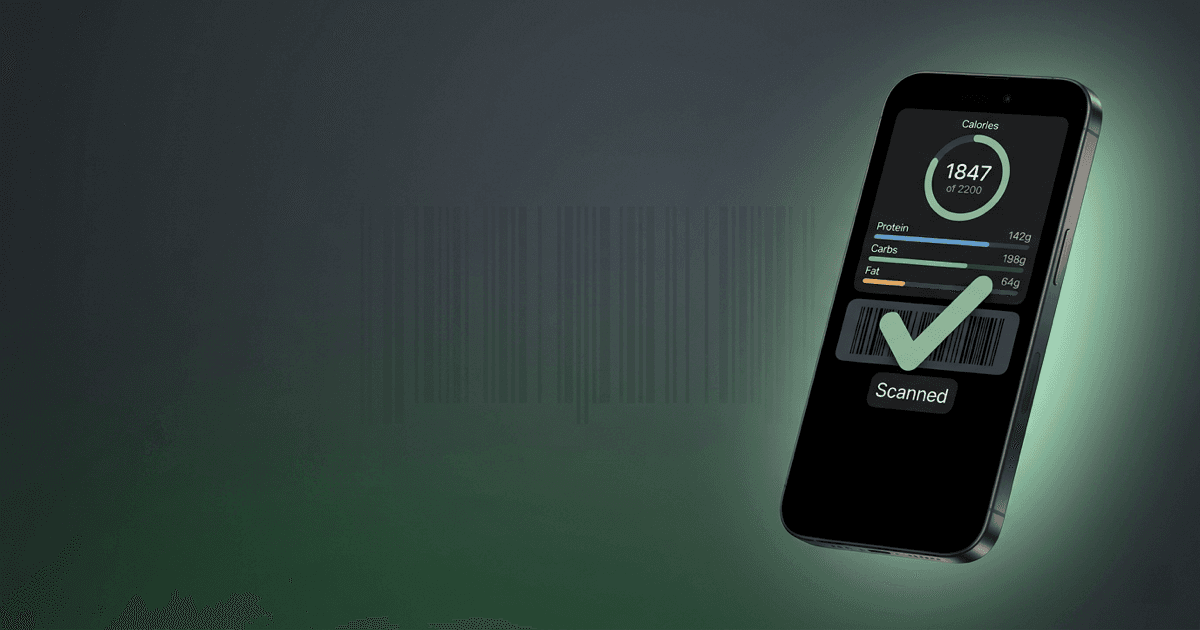
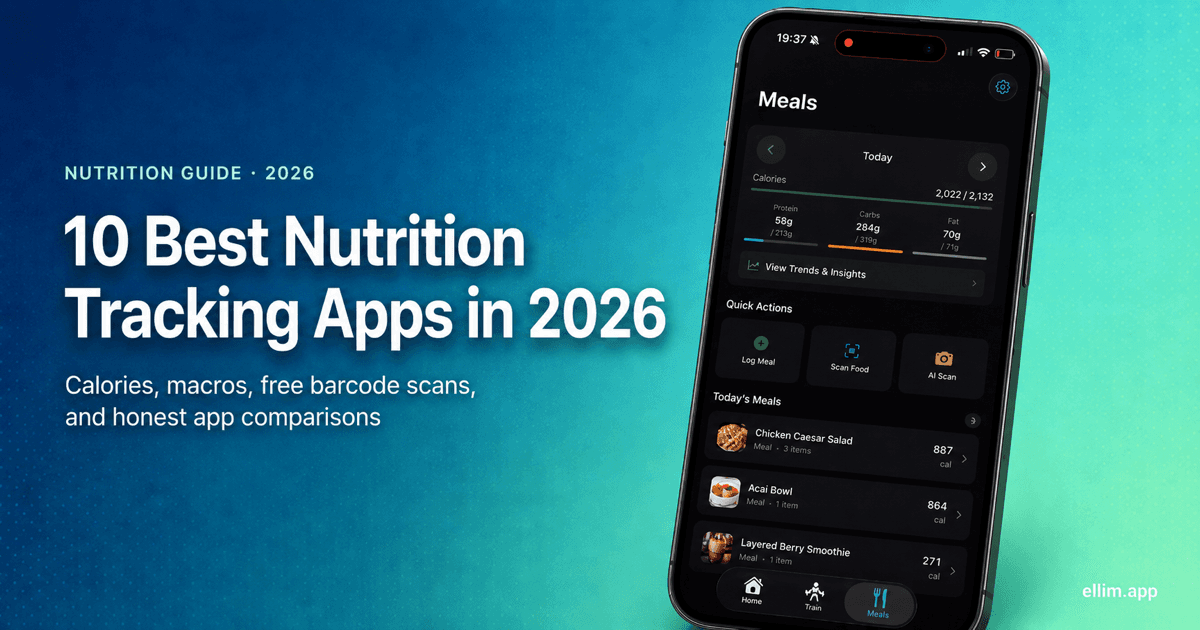
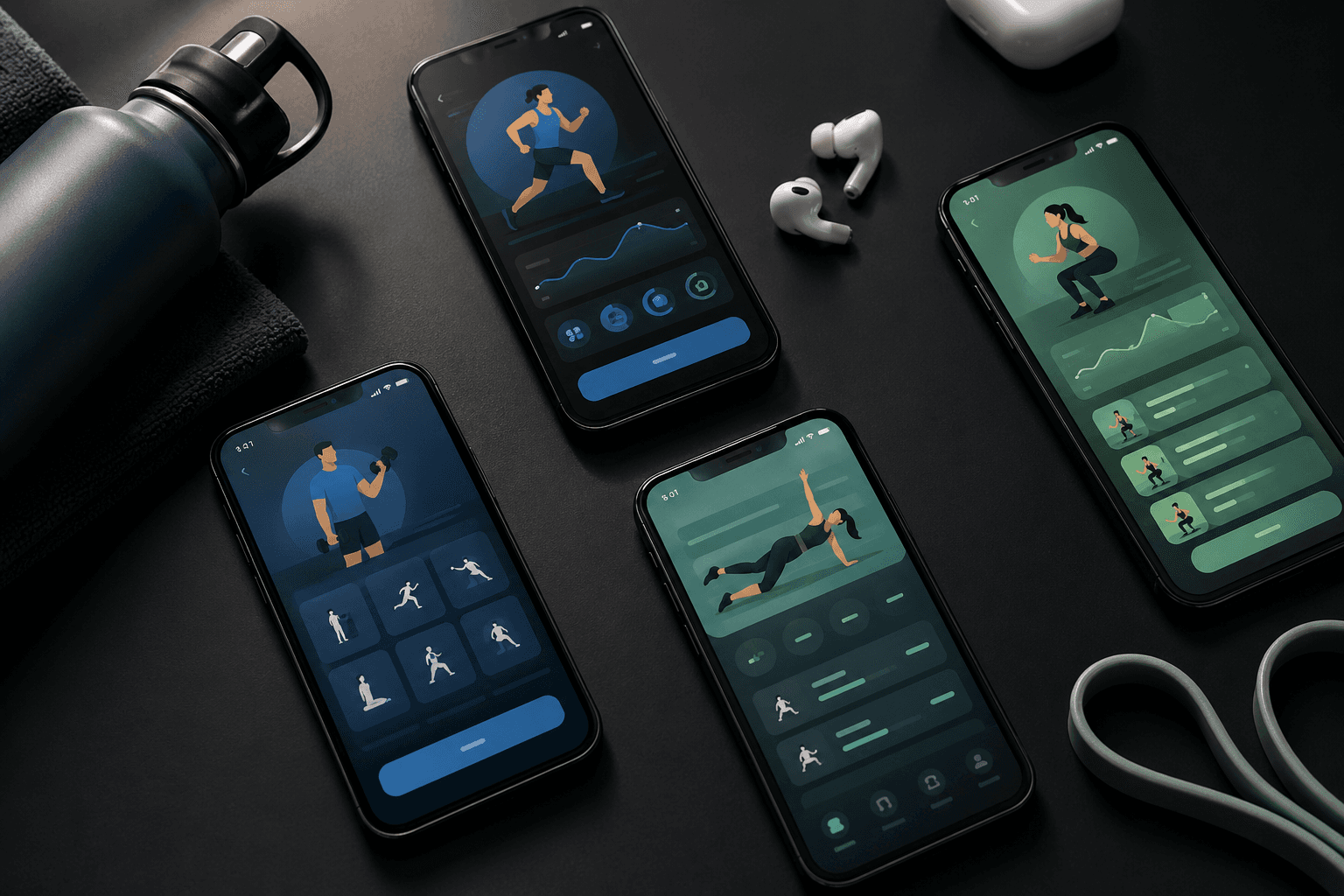
Ellim is the only app on this list that ships a real workout tracker AND a real nutrition logger AND keeps both on the free tier. 3,500+ exercises with demos, unlimited custom routines, barcode scanning, full food database, macro and calorie planning, AI routine import, and now water tracking, all in one iPhone app.
Pros
3,500+ exercises with demos and instructions
Unlimited routines on the free tier
Barcode scanning and full food database — free
Macro and calorie planning — free
Water tracking — one-tap cup logging with a daily goal based on your body weight (free; weekly trends are Premium)
AI routine import from a photo or text — free
Workouts written to HealthKit; nutrition trends in one place
Cons
iPhone only (no Android)
AI meal photos (snap a plate, get macros) is Premium
No human coach option yet
Free tier: Workouts, nutrition, and water tracking — all fully usable.
Price: Premium $17.99/mo or $99.99/yr (adds AI meal photos, Smart Session AI workouts, progressive overload insights).
Drop your second app: Download Ellim free — one app for both →
2. MyFitnessPal + Hevy — Best Two-App Stack
The most popular workaround — MyFitnessPal for food, Hevy for workouts. Both have decent free tiers. The cost is workflow friction: two icons, two logins, two data silos, and no integration between today's workout and tonight's calorie target.
Pros
Both apps free
MyFitnessPal has the largest food database
Hevy has the best social workout community
Cons
Two apps to manage
Hevy caps free routines at 4
No native sync between training intensity and macros
Both apps will eventually nudge you to paid
Free tier: Both free tiers.
Price: MFP Premium ~$20/mo. Hevy Pro $5.99/mo.
3. Lifesum — Best Nutrition-First All-in-One
Lifesum is a nutrition app that added light workout tracking. The food logging is strong — barcode scan, recipe builder, diet plans. The workout side is just exercise type + duration, no sets/reps. Good if food is your primary focus and you only want light cardio logging.
Pros
Polished nutrition UX
Diet plans and recipes
Calorie + macro tracking
Cons
No real workout logger
No exercise library
Paywalls grow over time
Free tier: Limited.
Price: ~$8/mo.
4. Cronometer — Best Micronutrient-Focused Nutrition App
Cronometer's food database is the most rigorously verified in the category — micronutrients down to the last vitamin. The workout side is basic (cardio + light strength logging). The best pick if you care about food data quality more than gym depth.
Pros
Best food database for accuracy
Macros + micros + vitamins
Free tier covers most users
Cons
Workout tracking is minimal
UI is data-dense / unfriendly
Strength training underdeveloped
Free tier: Full food logging + light workouts.
Price: Gold ~$8/mo.
5. MacroFactor — Best Macro-Coaching App
MacroFactor adjusts your calorie target every week based on your real progress. Excellent for adherence-focused dieters. No workout logging at all — assumes you have a separate gym app. Great for stacking with Ellim or Hevy.
Pros
Adaptive macro coaching
Hands-down the best macro planner
Clean iPhone + Android
Cons
No workout tracker
No free tier — trial only
Pricey for what is essentially food-only
Free tier: 14-day trial.
Price: ~$13/mo or $73/yr.
6. Centr — Best Lifestyle Programs Bundle
Chris Hemsworth's app: video workouts, meal plans, meditations. More lifestyle bundle than tracker. Meal plans not meal logger; workouts are programs not custom routines. Pretty, paid, opinionated.
Pros
High-production video workouts
Pre-built meal plans
Beginner-friendly
Cons
No real food logger or workout logger
Subscription-only
Limited customization
Free tier: 7-day trial.
Price: ~$30/mo or ~$120/yr.
7. Caliber — Best Coached-Strength + Meal Tier
Caliber's free tier covers strength tracking; its paid tier adds nutrition coaching with a real human. Different beast — closer to "online personal trainer" than "app." Use the free tier for tracking, upgrade only if you want a coach.
Pros
Real strength programs free
Optional human coach + meal plans
Apple Watch support
Cons
Nutrition gated to paid coaching
Coaching is expensive
No barcode scanning food logger on free
Free tier: Strength tracking + library.
Price: Coaching from ~$200/mo.
8. Fitbod + MyFitnessPal — Best AI-Workout + Nutrition Stack
If you want AI to pick tomorrow's workout AND you want a free food logger, this is the stack. Fitbod for AI-generated daily workouts, MyFitnessPal for food. Both nag you toward paid; the workflow friction is identical to the Hevy + MFP stack.
Pros
AI-generated workouts (Fitbod)
Massive food DB (MFP)
Cross-platform
Cons
Two apps
Fitbod's free tier is essentially a trial
No native connection between AI training load and macros
Free tier: MFP yes, Fitbod 3-workout trial.
Price: Fitbod ~$13/mo + MFP ~$20/mo.
See free Fitbod alternatives →
Head-to-Head: Top 5 Workout + Nutrition Options
Direct comparison of the strongest picks (single apps + the two best two-app stacks):
Feature | Ellim | Lifesum | Cronometer | MacroFactor | MFP + Hevy stack |
|---|---|---|---|---|---|
Real workout logger | Yes | No | Limited | No | Yes (Hevy) |
Exercise library | 3,500+ | Few | None | None | ~400 (Hevy) |
Custom routines (free) | Unlimited | N/A | N/A | N/A | 4 (Hevy) |
Barcode scan (free) | Yes | Yes | Yes | No | Yes (MFP) |
Food database size | Large | Large | Largest verified | Large | Largest (MFP) |
Macro / calorie planning | Yes | Yes | Yes | Best | Yes (MFP) |
Single app for both | Yes | Workouts weak | Workouts weak | No workouts | Two-app stack |
AI routine import | Yes | No | No | No | No |
Free tier supports both? | Yes | Partial | Yes | Trial | Yes (two apps) |
Full Feature Matrix
Every workout-and-nutrition feature, every option. "MFP" = MyFitnessPal.
Feature | Ellim | Lifesum | Cronometer | MacroFactor | Centr | Caliber | MFP+Hevy | Fitbod+MFP |
|---|---|---|---|---|---|---|---|---|
Workout logging | Yes | No | Limited | No | Programs only | Yes | Hevy | Fitbod |
Exercise library size | 3,500+ | Small | None | None | Programs | Large | ~400 | Large |
Custom routines (free) | Unlimited | N/A | N/A | N/A | No | Limited | 4 | No |
Food logger | Yes | Yes | Yes | Yes | Meal plans | Paid | MFP | MFP |
Barcode scan (free) | Yes | Yes | Yes | No | No | No | Yes | Yes |
Food DB size | Large | Large | Verified DB | Large | Curated | Curated | Largest | Largest |
Calorie planning | Yes | Yes | Yes | Best in class | Yes | Paid | Yes | Yes |
One app (no stack) | Yes | Yes | Yes | Yes | Yes | Yes | No | No |
Free tier viable | Yes | Limited | Yes | Trial | Trial | Workouts | Yes | Trial |
Seen enough? Get Ellim free — workouts + nutrition in one app →
Workouts + Nutrition by Goal
Best Free One-App Pick
Ellim is the only app on this list with usable workout tracking and nutrition logging on the free tier — and it now covers water tracking too. Everyone else is either food-only, workout-only, or a two-app stack.
Best for Cutting / Fat Loss
Adherence is everything. MacroFactor has the best macro-coaching algorithm if you can live with no workout tracker. Ellim is the best single app that lets you track workouts and stay in deficit without juggling apps.
Best for Muscle Gain (Bulking)
Ellim for hypertrophy training + macro tracking in one app, or Hevy + MyFitnessPal if you want Hevy's social community and accept the two-app stack.
Best for Micronutrient / Health-Focused Tracking
Cronometer (best food DB) — pair with a real workout app (Ellim, Strong, Hevy) if you also strength train.
Best for Apple Watch Workout + Nutrition
Ellim writes workouts to HealthKit and nutrition data lives in the same app. Pair with the Health app on Watch for closing rings + macro view.
Two-App Stack vs One App: Which Is Better?
Two-app stacks (MFP + Hevy, MFP + Fitbod) win on individual feature depth — MFP has the biggest food DB anywhere; Fitbod has the best AI workouts. The cost is workflow:
Two icons, two logins, two notifications. Friction adds up.
No data sharing. Your training intensity doesn't change your macro target.
Two paywalls. Both apps eventually nudge you to paid; you can end up paying $25/mo combined.
Two onboardings. Each app has its own setup, food preferences, and routine builder.
One-app options (Ellim, Lifesum, Cronometer) win on workflow — one icon, one login, one place for both. The trade-off is whichever side the app is weak on. Ellim is the only one currently strong on both.
Frequently Asked Questions
What is the best workout app with nutrition tracking in 2026?
Ellim — the only app with a real workout tracker (3,500 exercises, unlimited routines) and a real nutrition logger (barcode scan, macros, full food DB) both fully on the free tier.
Can I replace MyFitnessPal with Ellim?
For most users, yes. Ellim covers barcode scanning, food database, macros, and calorie targets — the features 95% of MFP users actually open. MFP's edge is its absolute food-DB size and recipe imports; if you have a massive recipe library locked in MFP, the switch is harder.
Does Ellim have a barcode scanner?
Yes — free, no subscription. Scan a packaged food and the macros land in your daily log.
Can a free app really track workouts and nutrition together?
Yes, but only one app does it convincingly today — Ellim. Others either treat one side as a side feature (Lifesum's workouts, MacroFactor's missing logger) or paywall one half.
What about progressive overload — does workout data influence nutrition?
In a two-app stack, no — the apps don't talk. In Ellim, workout volume contributes to your daily energy spend so macros can adjust around hard training days. Manual targets still work for people who prefer to plan macros themselves.
Is MyFitnessPal still worth it if I switch to a one-app option?
If you log restaurant meals daily, MFP still has the deepest restaurant DB. If you cook most meals and use barcode + branded items, you won't miss it.
Can I track macros without a coach or subscription?
Yes. Ellim, Cronometer, MyFitnessPal, and Lifesum all let you set macro targets and log food on the free tier.
Which workout-and-nutrition app is best for Apple Watch?
Ellim (HealthKit sync) — close-rings data + food data live together. Native Watch app is in development.
Do I need to track every meal to make progress?
No — but the people who hit body composition goals consistently tend to track 80% of meals 80% of the time. The right app makes that easier; the wrong app makes you quit.
How do I set up workouts + nutrition tracking in one app?
See the full walkthrough — first workout + first meal logged in under five minutes on Ellim's free tier.
Why is Ellim free if it does both workouts and nutrition?
No catch on the basics. Ellim's bet is that the right way to earn iPhone users is to ship the full workout tracker, the 3,500-exercise library, unlimited routines, barcode meal scanning, macro and calorie planning, water tracking, AI routine import, and HealthKit sync for free — and a small percentage upgrade to Premium ($17.99/mo) for the more expensive AI features (Smart Session, AI meal photos, progressive overload insights). No ads, no credit card, no trial countdown.
The Bottom Line
If you want one app for workouts, food, and water on the free tier, Ellim is the only one that delivers in 2026. If you want each side to be best-in-class and you don't mind two apps, stack MyFitnessPal with Hevy or Fitbod. Avoid apps that promise both and quietly paywall the better half.
Pick one, log one workout and one meal this week, and you'll know within a day whether it fits.
Take the 30-second start: Download Ellim free on the App Store →